Post Production
41 products from 12 brands, including Blackmagic, Elgato Systems, Contour Design. Prices from $40.95 to $1,550.95, including GST. 10 ship within 1-2 business days.
Post Production covers the hardware and software used to capture, edit, control and deliver video. It suits filmmakers, editors, streamers, content creators and production teams working with cameras, consoles or professional video systems. Choose from Blackmagic, Elgato Systems, Contour Design and LogicKeyboard products for different editing and capture workflows.
- Computer Hardware8
- Controllers & Keyboards3
- Edit Controllers12
- Video & 3D Graphics Software2
- Video Capture & Playback12
Showing 1 to 24 of 41 results
-
 Blackmagic
Blackmagic DaVinci Resolve Speed Editor with DaVinci Resolve Studio
$553.95 incl. GST Ships in 1-2 business daysAdd to cart -
 Blackmagic
Blackmagic Design DaVinci Resolve Studio (Activation Card)
$421.95 incl. GST Ships in 1-2 business daysAdd to cart -
 Elgato Systems
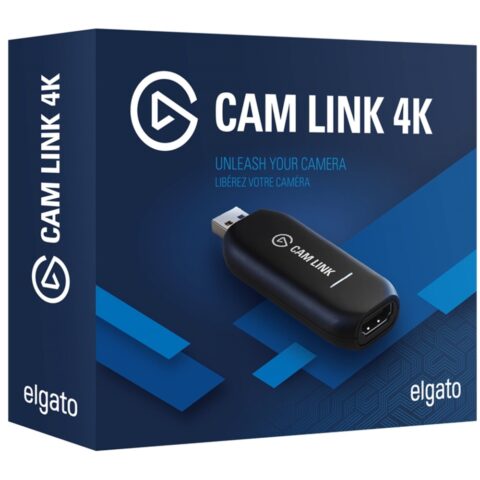
Elgato Cam Link 4K
$172.95 incl. GST Ships in 1-2 business daysAdd to cart -
 Contour Design
Contour Design ShuttlePRO v2 NLE Multimedia Controller (Black)
$221.95 incl. GST Ships in 1-2 weeksAdd to cart -
 Kondor Blue
Kondor Blue HDMI To USB C Capture Card For Live Streaming Video & Audio
$81.95 incl. GST Ships in 1-2 business daysAdd to cart -
 Elgato Systems
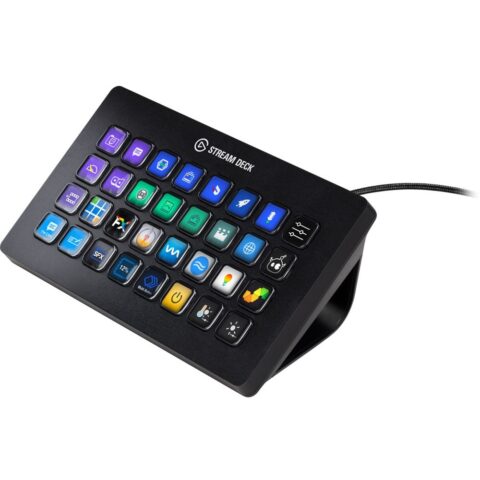
Elgato Stream Deck XL
$395.95 incl. GST Ships in 1-2 business daysAdd to cart -
 Blackmagic
Blackmagic Design DaVinci Resolve Editor Keyboard with DaVinci Resolve Studio
$831.95 incl. GST Ships in 2-3 business daysAdd to cart -
 Blackmagic
Blackmagic Design DeckLink Duo 2
$710.95 incl. GST Ships in 2-3 business daysAdd to cart -
 Contour Design
Contour Design - ShuttleXpress NLE Multimedia Controller (Black)
$133.95 incl. GST Ships in 1-2 business daysAdd to cart -
 Elgato Systems
Elgato Network Dock for Stream Deck
$162.95 incl. GST Ships in 1-2 business daysAdd to cart -
 Blackmagic
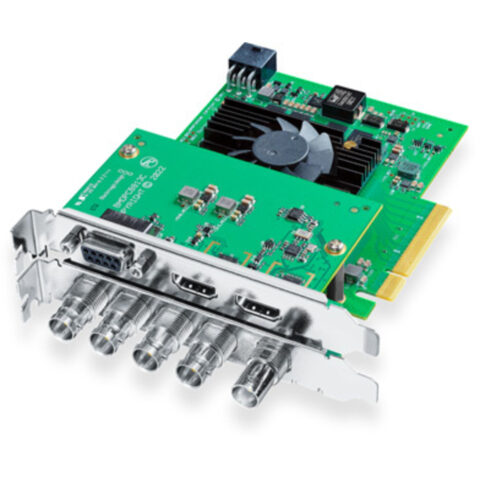
Blackmagic DeckLink 8K Pro G2
$1,103.95 incl. GST Ships in 2-3 business daysAdd to cart -
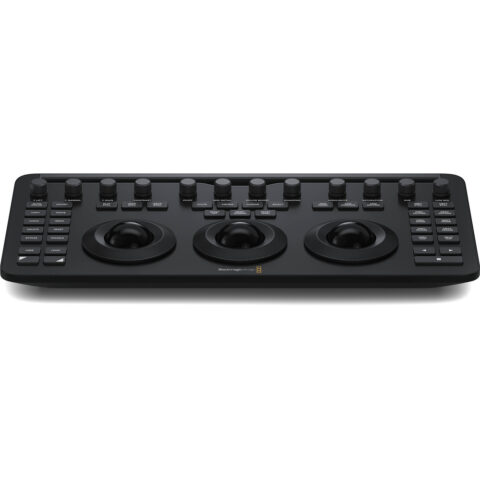 Blackmagic
Blackmagic DaVinci Resolve Micro Colour Panel
$678.95 incl. GST Ships in 2-3 business daysAdd to cart -
 Blackmagic
Blackmagic UltraStudio 4K Mini
$1,490.95 incl. GST Ships in 2-3 business daysAdd to cart -
 Ulanzi
Ulanzi D200H Stream Controller
$89.95 incl. GST Ships in 1-2 business daysAdd to cart -
 Elgato Systems
Elgato Stream Deck Mini
$114.95 incl. GST Ships in 1-2 weeksAdd to cart -
 Elgato Systems
Elgato Stream Deck MK2 (White)
$250.95 incl. GST Ships in 1-2 weeksAdd to cart -
 Blackmagic
Blackmagic Design DeckLink Mini Recorder 4K
$289.95 incl. GST Ships in 2-3 business daysAdd to cart -
 AJA
AJAAJA U-TAP SDI to USB 3.0 Powered Capture Device
$800.95 incl. GST Ships in 2-3 business daysAdd to cart -
 Blackmagic
Blackmagic Design DeckLink Mini Monitor HD
$194.95 incl. GST Ships in 2-3 business daysAdd to cart -
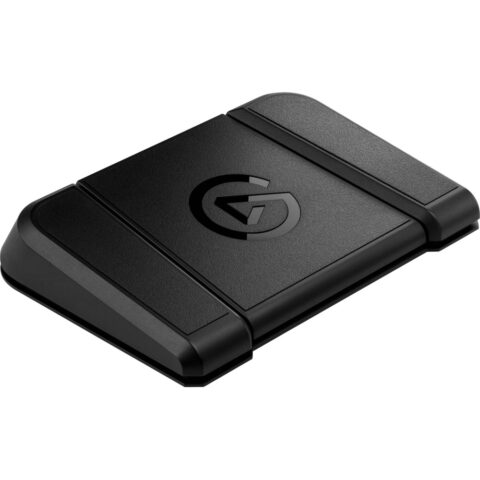 Elgato Systems
Elgato Stream Deck Foot Pedal
$143.95 incl. GST On backorder, dispatch date to be confirmedAdd to cart -
 Blackmagic
Blackmagic Design DeckLink Quad HDMI Recorder Capture Card
$836.95 incl. GST Ships in 2-3 business daysAdd to cart -
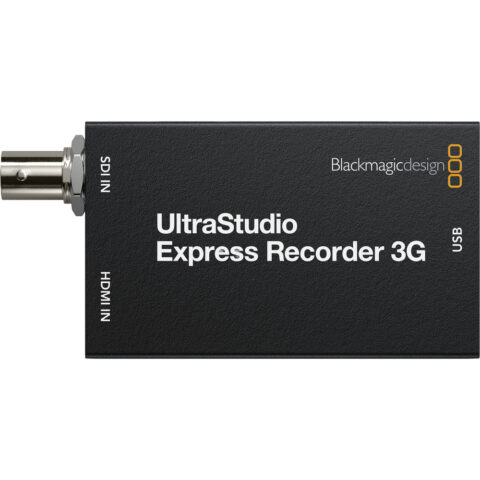 Blackmagic
Blackmagic Design UltraStudio Express Recorder 3G
$230.95 incl. GST Ships in 1-2 business daysAdd to cart -
 Elgato Systems
Elgato Stream Deck Studio
$1,550.95 incl. GST On backorder, dispatch date to be confirmedAdd to cart -
 Blackmagic
Blackmagic Design Intensity Pro 4k
$395.95 incl. GST Ships in 1-2 business daysAdd to cart
Related categories
Post Production brands
About the Post Production range
Start with the signal you need to handle. For capture devices, compare HDMI input resolution, frame rate, capture resolution, passthrough, audio support and USB connection. A device may accept 4K input but only record 1080p, so check both figures. For edit controllers and keyboards, look at software support, shortcut layout, jog or shuttle controls, programmable keys and desk space. Computer hardware and graphics products should match your operating system, interface standards and required workflow.
The range is organised into Video Capture & Playback, Edit Controllers, Computer Hardware, Controllers & Keyboards and Video & 3D Graphics Software. Check whether your computer has USB-A, USB-C or an available PCIe slot before ordering. Confirm that your camera, console or deck outputs HDMI or the required professional signal. Also check software versions and whether a controller is designed for DaVinci Resolve or another editing application. Capture input, recording output and passthrough specifications are separate, not interchangeable.
Post Production questions
Can a 4K capture card record 4K video?
Not always. Some capture cards accept a 4K HDMI signal but record at 1080p, while others capture 4K at a specified frame rate. Check the product page for maximum input, capture and passthrough resolutions before choosing a device for recording or streaming.
Will a USB-C capture card work with my laptop?
Your laptop needs a compatible USB-C port and enough bandwidth for the selected video format. USB-C describes the connector, not necessarily the speed or display capability. Check the capture card requirements, your computer operating system and whether an adapter or USB-A connection is supported.
What should I check before buying an edit controller?
Check the editing software supported, programmable functions, control layout and available desk space. Jog wheels, shuttle controls and dedicated shortcut keys can speed up timeline work, but they do not replace a compatible application. Confirm the controller works with your operating system and preferred editing software.