Edit Controllers
12 products from 5 brands, including Elgato Systems, Blackmagic, Contour Design. Prices from $89.95 to $1,550.95, including GST. 4 ship within 1-2 business days.
Edit controllers give video editors dedicated buttons, jog wheels, dials or programmable controls for timeline navigation, shortcuts and colour work. They suit home editors, freelancers, studios and creators who want less reliance on a mouse and keyboard. The range includes Elgato Systems, Contour Design, Blackmagic and Ulanzi options for different workflows.
Showing all 12 results
-
 Contour Design
Contour Design ShuttlePRO v2 NLE Multimedia Controller (Black)
$221.95 incl. GST Ships in 1-2 weeksAdd to cart -
 Elgato Systems
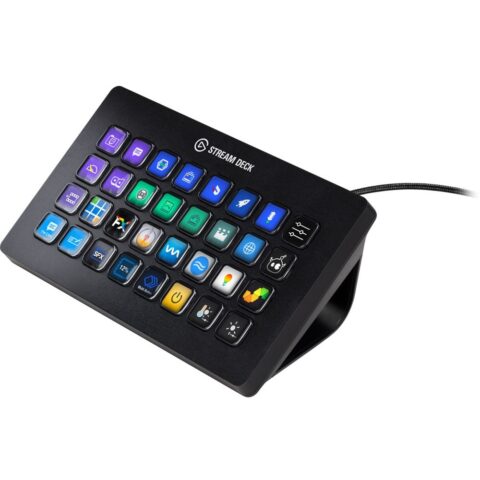
Elgato Stream Deck XL
$395.95 incl. GST Ships in 1-2 business daysAdd to cart -
 Contour Design
Contour Design - ShuttleXpress NLE Multimedia Controller (Black)
$133.95 incl. GST Ships in 1-2 business daysAdd to cart -
 Elgato Systems
Elgato Network Dock for Stream Deck
$162.95 incl. GST Ships in 1-2 business daysAdd to cart -
 Blackmagic
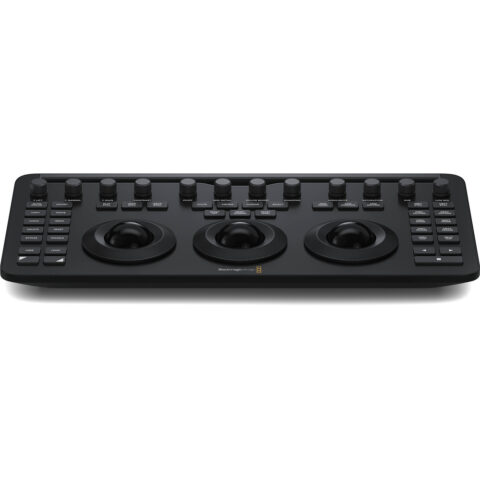
Blackmagic DaVinci Resolve Micro Colour Panel
$678.95 incl. GST Ships in 2-3 business daysAdd to cart -
 Ulanzi
Ulanzi D200H Stream Controller
$89.95 incl. GST Ships in 1-2 business daysAdd to cart -
 Elgato Systems
Elgato Stream Deck Mini
$114.95 incl. GST Ships in 1-2 weeksAdd to cart -
 Elgato Systems
Elgato Stream Deck MK2 (White)
$250.95 incl. GST Ships in 1-2 weeksAdd to cart -
 Elgato Systems
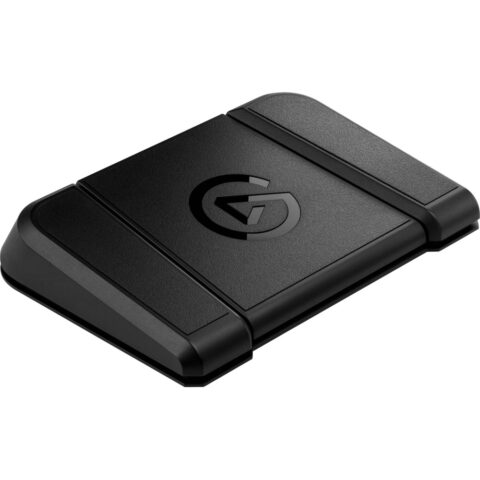
Elgato Stream Deck Foot Pedal
$143.95 incl. GST On backorder, dispatch date to be confirmedAdd to cart -
 Elgato Systems
Elgato Stream Deck Studio
$1,550.95 incl. GST On backorder, dispatch date to be confirmedAdd to cart -
 Blackmagic
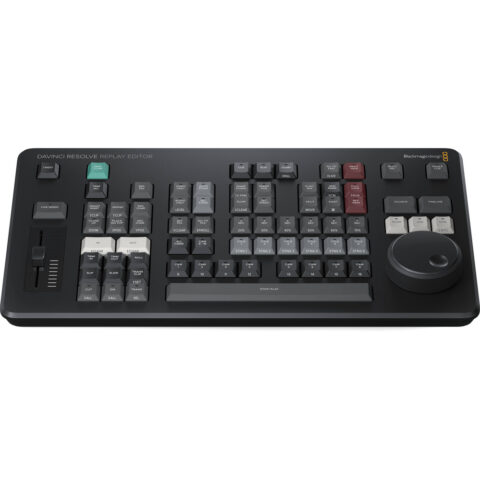
Blackmagic DaVinci Resolve Replay Editor
$699.95 incl. GST Ships in 2-3 business daysAdd to cart -
 X-Keys
X-Keys XBE-12 Handwheel
$405.95 incl. GST Ships in 4-6 weeksAdd to cart
Related categories
Edit Controllers brands
About the Edit Controllers range
Choose the control layout around your editing tasks. A jog or shuttle wheel helps you move through footage and position the playhead accurately, while programmable keys can trigger shortcuts, macros or application actions. Dials and trackballs are useful for adjusting parameters and colour. Check the number of controls, connection type, desk footprint and whether the unit needs a separate keyboard. A compact controller suits a mobile or crowded setup. Larger panels provide more direct access but need more desk space.
Compatibility is not universal, so check the controller's software support, operating system and connection requirements before buying. A Stream Deck-style unit is generally suited to custom shortcuts and profiles, while a shuttle controller focuses on timeline transport. The Blackmagic DaVinci Resolve Micro Colour Panel is designed for colour grading in Resolve, rather than general shortcut control. Do not confuse a compact controller with a full editing keyboard, and check dimensions if your desk or keyboard tray is limited.
Edit Controllers questions
Will an edit controller work with Premiere Pro or DaVinci Resolve?
Compatibility depends on the model and its software profiles. Programmable controllers can often be assigned to application shortcuts, while dedicated panels may be designed for a particular program. Check the product page and manufacturer requirements for your operating system and editing software before ordering.
What is the difference between a jog wheel and a shuttle wheel?
A jog wheel lets you move through footage in small, controlled increments, which helps with frame-accurate editing. A shuttle control is used for faster forward or reverse movement, often at variable speeds. Controllers such as the Contour Design ShuttlePRO v2 and ShuttleXpress focus on these timeline controls.
Do edit controllers replace my keyboard and mouse?
Usually, no. They add physical controls for frequently used actions, but most editing software still requires a keyboard, mouse or trackpad for typing, selecting and general interface work. Stream Deck models are useful as shortcut companions, while jog controllers add dedicated timeline navigation.