Keyboards & Accessories
38 products from 4 brands, including X-Keys, LogicKeyboard, RailDriver. Prices from $11.95 to $909.95, including GST. 13 ship within 1-2 business days.
Keyboards & Accessories covers standard computer keyboards, compact USB keypads, programmable control surfaces, footswitches and remote input devices. Choose from X-Keys, LogicKeyboard, RailDriver and 3D Connexion for office work, creative software, automation, simulation, accessibility and hands-free control. The range suits shoppers replacing a keyboard or assigning frequent commands to dedicated keys.
Showing 1 to 24 of 38 results
-
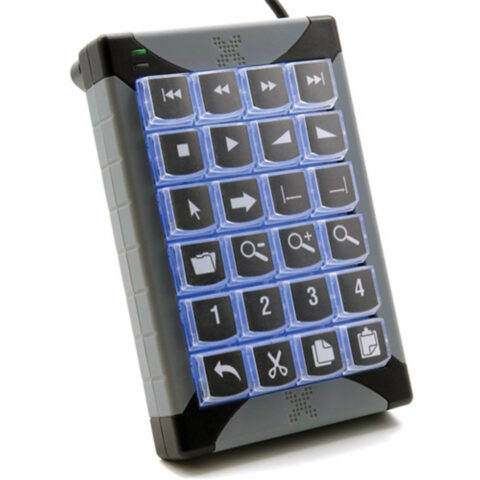 X-Keys
X-Keys XK-24 USB Keypad
$279.95 incl. GST Ships in 1-2 business daysAdd to cart -
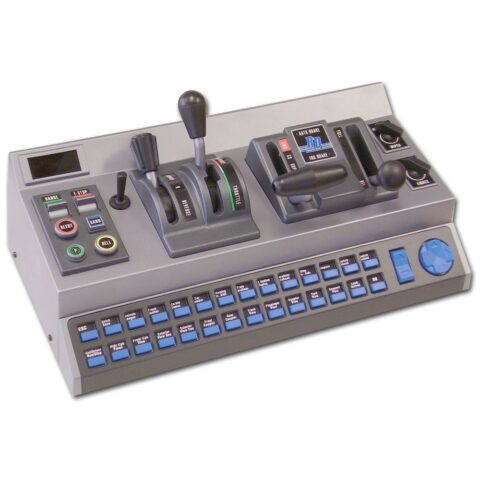 RailDriver
RailDriver Desktop Train Cab Controller
$541.95 incl. GST Ships in 1-2 business daysAdd to cart -
 X-Keys
X-keys XK-12 USB 12 Switch Interface
$201.95 incl. GST Ships in 1-2 business daysAdd to cart -
 X-Keys
X-keys XK-A-529-R Tall Keycaps (Transparent, Pack of 10)
$17.95 incl. GST Ships in 1-2 business daysAdd to cart -
 X-Keys
X-keys XK-A-556-R X-Keys Key Blockers (Pack of 10)
$11.95 incl. GST Ships in 4-6 weeksAdd to cart -
 X-Keys
X-Keys XK-4 Stick with Four Programmable Keys
$172.95 incl. GST Ships in 1-2 business daysAdd to cart -
 X-Keys
X-Keys XK-80 USB Programmable Keyboard
$415.95 incl. GST Ships in 4-6 weeksAdd to cart -
 LogicKeyboard
Logickeyboard TITAN Wireless Keyboard for DaVinci Resolve (Windows, US English)
$269.95 incl. GST On backorder, dispatch date to be confirmedAdd to cart -
 X-Keys
X-keys Blank Legend Sheets for Single Keys (Set of 10)
$36.95 incl. GST Ships in 1-2 business daysAdd to cart -
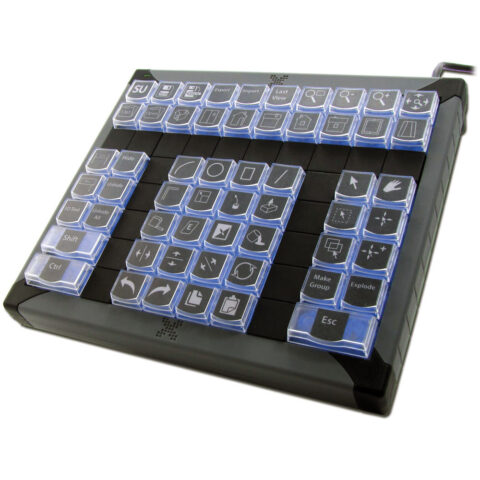 X-Keys
X-Keys XK-60 USB Programmable Keyboard
$376.95 incl. GST Ships in 4-6 weeksAdd to cart -
 X-Keys
X-keys XK-A-528-R Wide Keycaps (Transparent, Pack of 10)
$29.95 incl. GST Ships in 4-6 weeksAdd to cart -
 3D Connexion
3DConnexion Keyboard Pro with Numpad - QWERTY
$172.95 incl. GST Ships in 2-3 business daysAdd to cart -
 LogicKeyboard
LogicKeyboard Titan Wireless Keyboard for AVID Media Composer (Mac, US English)
$289.95 incl. GST Ships in 3-4 weeksAdd to cart -
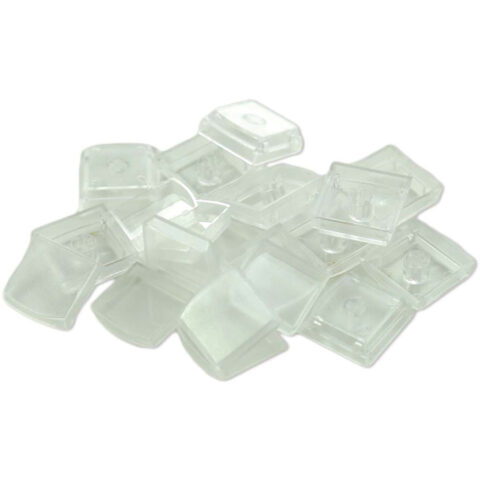 X-Keys
X-keys Transparent Keycaps (Pack of 10)
$22.95 incl. GST Ships in 1-2 business daysAdd to cart -
 X-Keys
X-keys 4-Pack of 2x2 (Quad) Relegendable Keycaps for XK Series
$26.95 incl. GST Ships in 4-6 weeksAdd to cart -
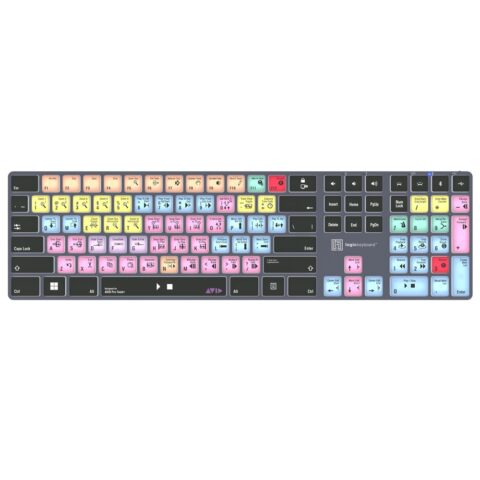 LogicKeyboard
Logickeyboard TITAN Wireless Keyboard for AVID Pro Tools (Windows, US English)
$221.95 incl. GST On backorder, dispatch date to be confirmedAdd to cart -
 LogicKeyboard
Logickeyboard TITAN Avid Media Composer Pro Wireless Keyboard for Mac
$221.95 incl. GST On backorder, dispatch date to be confirmedAdd to cart -
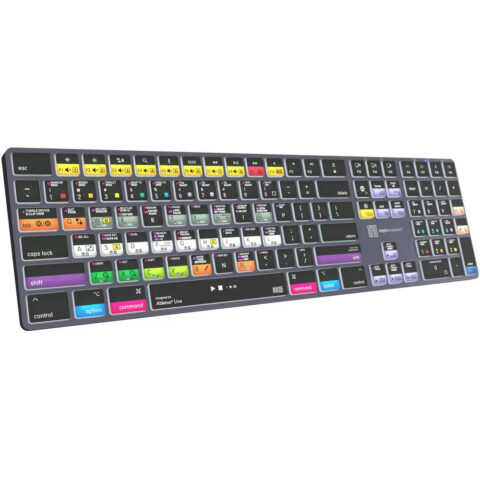 LogicKeyboard
Logickeyboard TITAN Ableton Live Wireless Keyboard for Mac
$221.95 incl. GST On backorder, dispatch date to be confirmedAdd to cart -
 X-Keys
X-keys USB 3-Switch Interface for KVM Switches
$124.95 incl. GST Ships in 1-2 business daysAdd to cart -
 LogicKeyboard
LogicKeyboard ALBA Keyboard for Avid Pro Tools (Mac, American English)
$298.95 incl. GST Ships in 2-3 business daysAdd to cart -
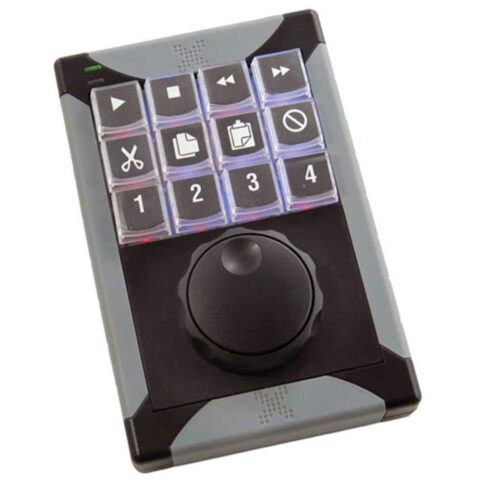 X-Keys
X-Keys XK-12 Jog and Shuttle
$366.95 incl. GST Ships in 4-6 weeksAdd to cart -
 X-Keys
X-Keys XKE-128 USB Programmable Keyboard
$909.95 incl. GST Ships in 4-6 weeksAdd to cart -
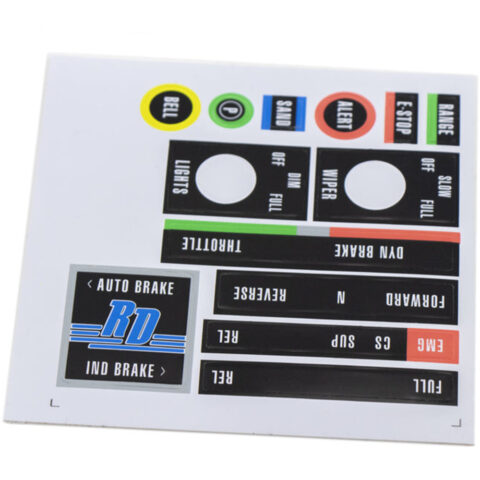 RailDriver
RailDriver Sticker Set
$14.95 incl. GST Ships in 1-2 business daysAdd to cart -
 LogicKeyboard
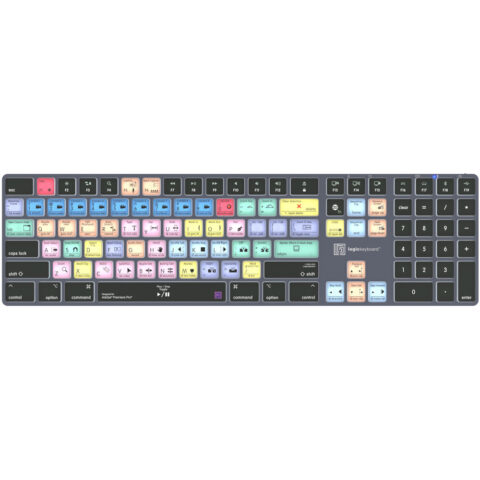
LogicKeyboard Titan Wireless Keyboard for Adobe Premiere Pro (Mac, US English)
$289.95 incl. GST Ships in 3-4 weeksAdd to cart
Related categories
Keyboards & Accessories brands
About the Keyboards & Accessories range
Start with the task and the keys you need. Full-size keyboards retain a number pad, while compact layouts save desk space but may move or omit function, navigation and number keys. For programmable models, check the number of switches, key labels, macro support, software requirements and whether keycaps or blockers can be changed. USB connection is useful for a fixed workstation. For footswitches and remotes, compare the number of controls, switch action, cable length, mounting style and whether each input sends a keyboard command or a device-specific function.
Check the product page for operating-system support, connection type and required configuration software before ordering. A USB keypad is not necessarily a complete keyboard, and a programmable interface may need setup before its keys perform the commands you expect. Confirm the layout, language and key legends, particularly when comparing US English models with Australian typing habits. The range is organised into Computer Keyboards, Footswitch & Remotes and Programmable Keyboards. Accessories such as tall keycaps and key blockers are intended for compatible X-Keys products, so check the model before adding them.
Keyboards & Accessories questions
Are programmable keyboards compatible with Windows and Mac?
Compatibility depends on the model and its configuration software. Check the product specifications for supported operating systems before buying. A device may send standard USB keyboard inputs in one system but require separate software, drivers or setup steps for advanced macros and custom commands.
What is the difference between a programmable keypad and a normal keyboard?
A programmable keypad has a smaller group of keys that can be assigned to shortcuts, macros or application commands. It can sit beside a normal keyboard and keep frequent controls within reach. A standard keyboard is designed for general typing, navigation and numeric entry.
How do I choose the right keyboard size and layout?
Choose full-size if you regularly use a number pad. Choose a compact keyboard when desk space matters and you can work without dedicated keys. Check the key count, physical dimensions, language layout and placement of arrows, function keys and navigation controls before ordering.