Mice & Pointing Devices
11 products from 5 brands, including 3D Connexion, Wacom, Corsair. Prices from $10.95 to $405.95, including GST. 1 ship within 1-2 business days.
Mice and pointing devices for everyday computing, gaming, design and specialised 3D work. Choose from standard mice, wireless models, touchpads, 3D controllers, replacement stylus nibs and related accessories from Wacom, 3D Connexion, Corsair and Razer. The range suits home users, creative professionals, CAD operators and gamers.
Showing all 11 results
-
 Wacom
WacomWacom Intuos - Standard Nibs 5pk (Black)
$11.95 incl. GST Ships in 1-2 weeksAdd to cart -
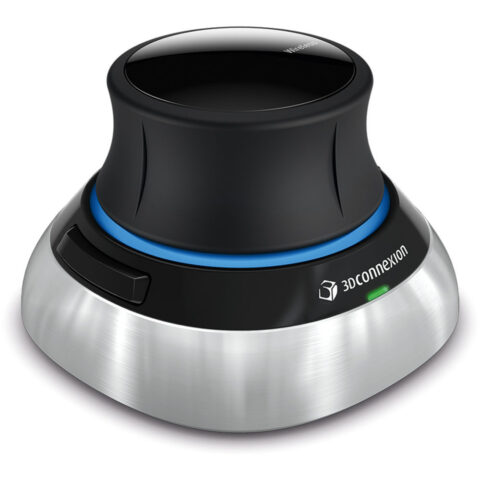 3D Connexion
3D Connexion SpaceMouse Wireless with Bluetooth
$298.95 incl. GST Ships in 2-3 business daysAdd to cart -
 Corsair
Corsair M65 RGB ULTRA Wireless Gaming Mouse (Black)
$201.95 incl. GST Ships in 2-3 business daysAdd to cart -
 3D Connexion
3D Connexion SpaceMouse Wireless Kit 2 (Bluetooth Edition)
$405.95 incl. GST Ships in 2-3 business daysAdd to cart -
 3D Connexion
3Dconnexion CadMouse Pro Wireless Mouse (Right-Handed)
$211.95 incl. GST Ships in 2-3 business daysAdd to cart -
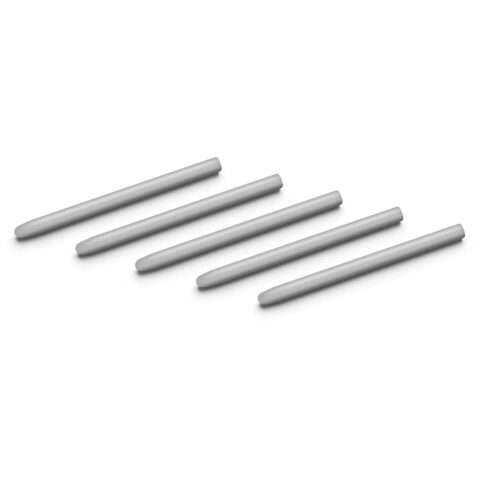 Wacom
WacomWacom - Hard Felt Nibs (5 Pack)
$11.95 incl. GST Ships in 1-2 weeksAdd to cart -
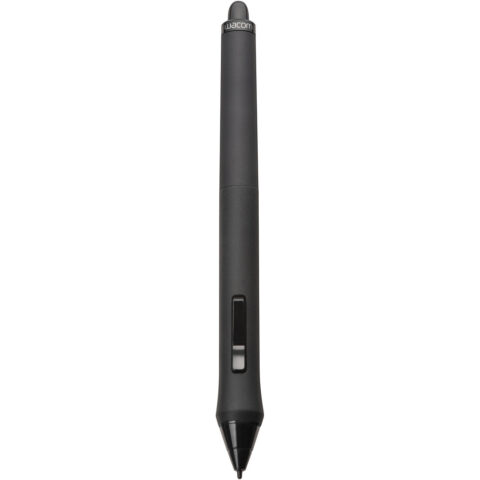 Wacom
WacomWacom Intuos4 Grip Pen w/ Stand and Replacement Nibs
$182.95 incl. GST Ships in 1-2 weeksAdd to cart -
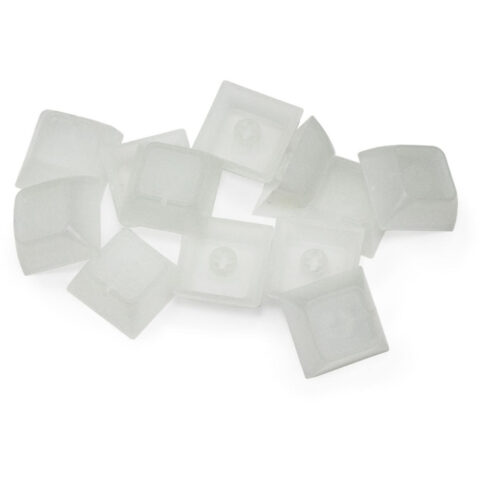 X-Keys
X-keys Nevwear Transparent Single Relegendable DSA Keycaps (12 Pack)
$14.95 incl. GST Ships in 1-2 business daysAdd to cart -
 X-Keys
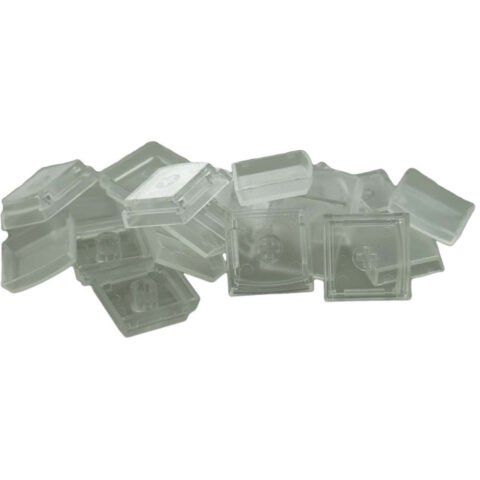
X-keys Replacement Key Lenses (Set of 10)
$10.95 incl. GST Ships in 4-6 weeksAdd to cart -
 Corsair
Corsair SCIMITAR RGB ELITE Optical MOBA/MMO Gaming Mouse
$133.95 incl. GST Ships in 1-2 weeksAdd to cart -
 Razer
RazerRazer Naga V2 Hyperspeed Wireless Gaming Mouse
$172.95 incl. GST Ships in 1-2 weeksAdd to cart
Related categories
Mice & Pointing Devices brands
About the Mice & Pointing Devices range
Start with how you work. Check the mouse shape, handedness, size and grip style, as palm, claw and fingertip users may prefer different designs. For general work, sensor accuracy and comfortable tracking matter more than a very high DPI figure. Gaming buyers can compare DPI adjustment, polling rate, programmable buttons, click type, weight and RGB lighting. Wireless models may use Bluetooth or a USB receiver, while wired models avoid charging. Also check battery life, charging method, desk space and whether the mouse software supports your operating system.
Check the connection before buying. Bluetooth requires compatible hardware, while a wireless receiver needs an available USB port and may require an adapter on some computers. Advanced buttons, lighting and sensitivity controls can depend on manufacturer software. 3D controllers are intended for supported design and modelling applications, not as direct replacements for a standard mouse. In this category, Mice includes computer, gaming, ergonomic and 3D models, while Touchpads includes touch input devices. Wacom accessories such as nibs and pens must match the exact tablet or pen model, so compare the compatibility details carefully.
Mice & Pointing Devices questions
What DPI should I choose for a computer mouse?
DPI controls cursor sensitivity, not overall mouse quality. Many office users are comfortable around 800 to 1600 DPI, while higher settings can help with large or high-resolution displays. Choose a model with adjustable DPI if you switch between detailed work, browsing and gaming.
Is Bluetooth or a USB receiver better for a wireless mouse?
Bluetooth leaves a USB port available and suits computers with built-in Bluetooth. A USB receiver can be useful for systems without Bluetooth and may offer a dedicated connection. Check your computer ports, operating system support and whether the receiver is included before ordering.
Will Wacom nibs or pens fit my tablet?
Not every Wacom nib or pen fits every tablet. Match the accessory with the exact tablet and pen series listed on the product page. Standard, hard felt and other nib types can change the writing feel, but they do not correct incompatibility between different models.