Video Switchers & Accessories
14 products from 5 brands, including Blackmagic, RODE, AVMATRIX. Prices from $36.95 to $4,945.95, including GST. 7 ship within 1-2 business days.
Video Switchers & Accessories help you combine camera, computer and other video sources for live streaming, recording, presentations and small production setups. Choose from compact HDMI switchers, control panels, power supplies and covers from Blackmagic, RODE, YoloLiv and Roland. The range suits creators, educators, event operators and production teams building a multi-source workflow.
Showing all 14 results
-
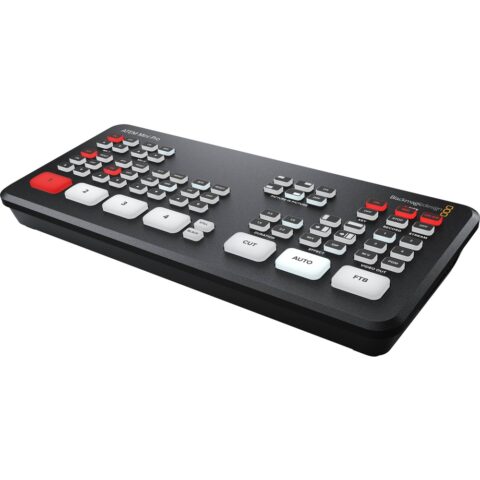 Blackmagic
Blackmagic Design ATEM Mini Pro HDMI Live Stream Switcher
$421.95 incl. GST Ships in 1-2 business daysAdd to cart -
 Blackmagic
Blackmagic ATEM Mini Pro ISO Live Stream Switcher
$686.95 incl. GST Ships in 1-2 business daysAdd to cart -
 RODE
RODERode RODECaster Video S Production Console
$944.95 incl. GST Ships in 1-2 business daysAdd to cart -
 YoloLiv
YoloLiv YoloDeck Control Panel
$246.95 incl. GST Ships in 1-2 business daysAdd to cart -
 Blackmagic
Blackmagic Design ATEM Mini Extreme
$1,497.95 incl. GST Ships in 1-2 business daysAdd to cart -
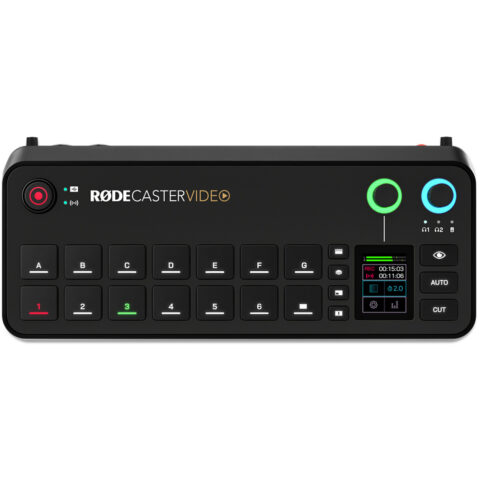 RODE
RODERODE RODECaster Video
$1,500.95 incl. GST Ships in 1-2 business daysAdd to cart -
 Blackmagic
Blackmagic Design Power Supply - Video Assist 12G /ATEM Mini
$86.95 incl. GST Ships in 2-3 business daysAdd to cart -
 RODE
RODERode RODECaster Video S Cover
$49.95 incl. GST Ships in 1-2 business daysAdd to cart -
 AVMATRIX
AVMATRIX SHARK S8X PLUS 8-Channel SDI/HDMI Portable Video Switcher
$4,945.95 incl. GST Ships in 2-3 weeksAdd to cart -
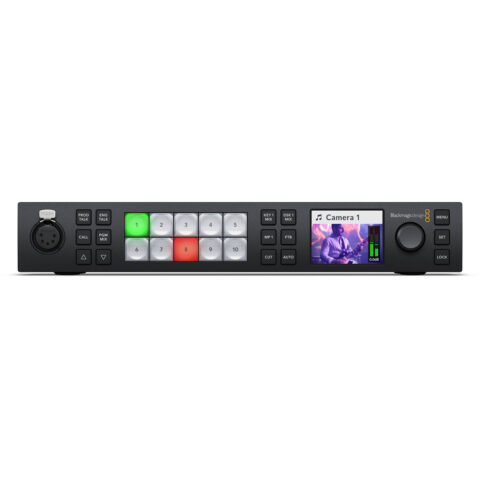 Blackmagic
Blackmagic ATEM 1 M/E Constellation UHD 4K Live Production Switcher (1 RU)
$2,151.95 incl. GST Ships in 2-3 business daysAdd to cart -
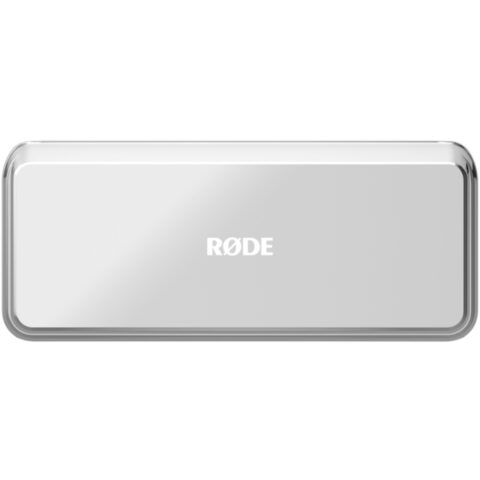 RODE
RODERODE RODECover Video
$36.95 incl. GST Ships in 3-5 business daysAdd to cart -
 Blackmagic
Blackmagic ATEM 2 M/E Constellation UHD 4K Live Production Switcher (1 RU)
$4,896.95 incl. GST Ships in 2-3 business daysAdd to cart -
 Roland
Roland V-8HD 8 Channel HDMI Video Switcher
$2,401.95 incl. GST Ships in 1-2 weeksAdd to cart -
 Blackmagic
Blackmagic Design ATEM Mini Extreme ISO G2 Switcher
$2,811.95 incl. GST Ships in 2-3 business daysAdd to cart
Related categories
Video Switchers & Accessories brands
About the Video Switchers & Accessories range
Start with the inputs and outputs you need. Check whether your sources use HDMI, SDI or USB, then confirm the supported resolution and frame rate for every device. HDMI input count determines how many cameras or computers can stay connected. Look for features such as transitions, picture-in-picture, chroma key, audio mixing, recording, ISO recording and USB webcam output if they match your workflow. Streaming may be handled inside the switcher or through a computer and software. Also check control methods, power requirements, physical size and whether a control panel would make repeated switching easier.
Compatibility problems usually come from mixing signal types, resolutions or frame rates. A switcher may accept HDMI but not SDI, or provide USB output for a computer while its HDMI output follows a different format. Check each camera's clean HDMI output, the computer's display setting and the switcher's input limits before buying. HDCP-protected sources can also prevent capture. This category is organised into complete Video Switchers and Video Switchers & Accessories, including dedicated power supplies and protective covers. Confirm the exact model before ordering accessories, as connectors and fit vary between products.
Video Switchers & Accessories questions
Can I use a video switcher with HDMI cameras and a laptop?
Yes, if the switcher has compatible HDMI inputs and supports the resolutions and frame rates sent by both devices. Set the laptop to a supported output format and confirm that the cameras provide a clean HDMI signal. Protected HDMI sources may not be suitable for capture or live production.
Do video switchers stream directly to the internet?
Some models can stream directly, while others send a programme feed to a computer through USB or another output. Check the individual product specifications for built-in streaming, recording, USB webcam output and supported platforms. You may still need an internet connection, streaming account or computer software.
What is the difference between a video switcher and a video mixer?
The terms are often used for similar production equipment. A video switcher selects between sources and creates the programme output. A video mixer may also include audio mixing, transitions, effects, keying, recording or streaming features. Compare the actual inputs, outputs and functions rather than relying on the name alone.