Time Code Generators & Readers
13 products from 3 brands, including Deity Microphones, Tentacle Sync, Atomos. Prices from $28.95 to $571.95, including GST. 7 ship within 1-2 business days.
Time Code Generators & Readers help cameras, audio recorders and other production devices share a common SMPTE timecode clock. They suit film crews, videographers, sound recordists and editors working with multiple recording devices. Choose from compact sync systems and cables from Deity Microphones, Tentacle Sync and Atomos for faster, more accurate alignment in post-production.
Showing all 13 results
-
 Deity Microphones
Deity TC-1 Wireless Timecode Generator Box (Bluetooth, 2.4 GHz)
$222.95 incl. GST Ships in 1-2 business daysAdd to cart -
 Tentacle Sync
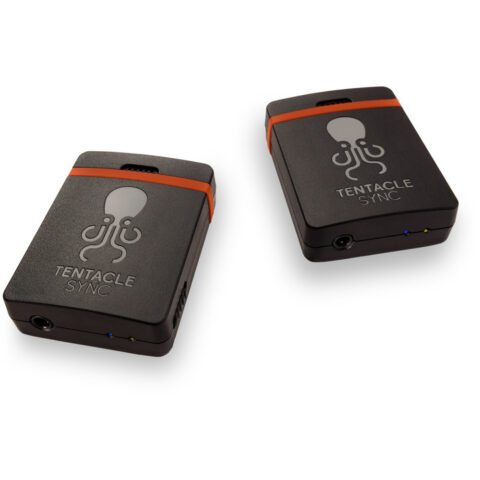
Tentacle Sync E mk2 Timecode Generator with Bluetooth (Dual Set)
$550.95 incl. GST Ships in 1-2 business daysAdd to cart -
 Deity Microphones
Deity TC-1 Wireless Timecode Generator Box 3-Pack Kit (Bluetooth, 2.4 GHz)
$571.95 incl. GST On backorder, dispatch date to be confirmedAdd to cart -
 Tentacle Sync
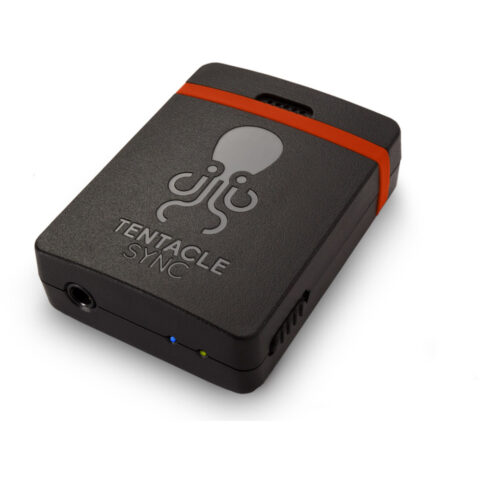
Tentacle Sync E mk2 Timecode Generator with Bluetooth (Single Unit)
$318.95 incl. GST Ships in 1-2 business daysAdd to cart -
 Deity Microphones
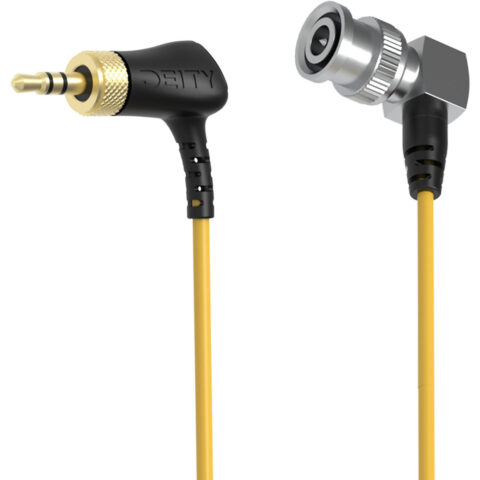
Deity C15 Right-Angle Locking 3.5mm TRS to Right-Angle BNC Timecode Cable
$32.95 incl. GST Ships in 1-2 business daysAdd to cart -
 Deity Microphones
Deity C21 3.5mm TRS to USB-C Coiled Audio Cable
$28.95 incl. GST Ships in 2-3 business daysAdd to cart -
 Tentacle Sync
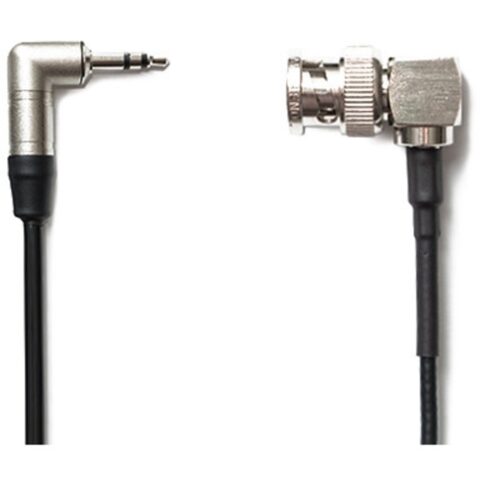
Tentacle Sync Tentacle to BNC Cable (Right-Angle, 16")
$44.95 incl. GST Ships in 1-2 business daysAdd to cart -
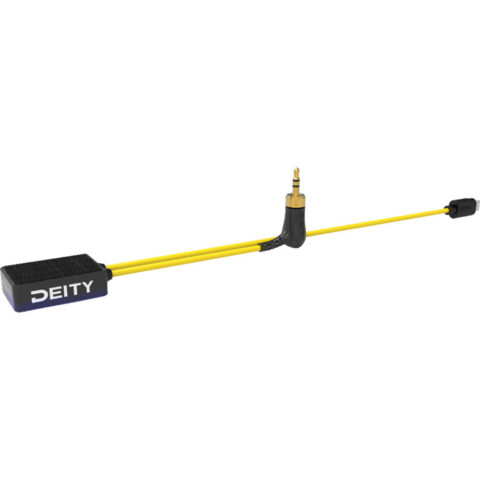 Deity Microphones
Deity Microphones C23 Timecode Cable for Sony FX3 / FX3 / FX30 Cameras
$65.95 incl. GST Ships in 1-2 business daysAdd to cart -
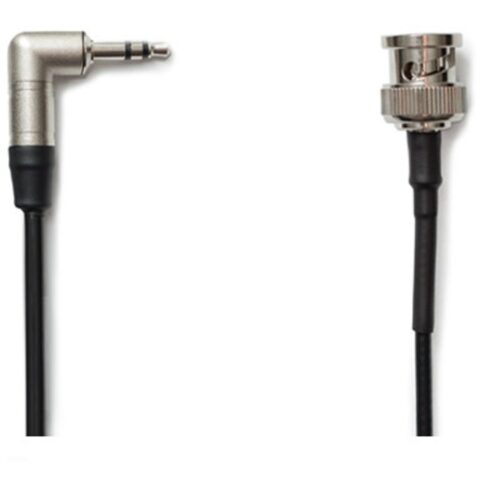 Tentacle Sync
Tentacle Sync Tentacle to BNC Cable (Straight, 16")
$36.95 incl. GST Ships in 8-12 weeksAdd to cart -
 Tentacle Sync
Tentacle Sync TR1 Track E Timecode Audio Recorder (Basic Box)
$444.95 incl. GST Ships in 1-2 business daysAdd to cart -
 Tentacle Sync
Tentacle Sync A06-CSM Sync E Bracket with Cold Shoe Mount
$66.95 incl. GST Ships in 8-12 weeksAdd to cart -
 Atomos
Atomos AtomX UltraSync Blue ROW Version
$230.95 incl. GST Ships in 2-3 business daysAdd to cart -
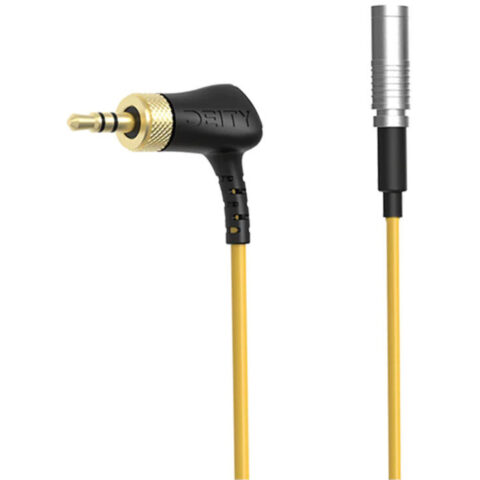 Deity Microphones
Deity C19 Timecode Cable for Canon R5 C Camera
$91.95 incl. GST Ships in 2-3 business daysAdd to cart
Related categories
Time Code Generators & Readers brands
About the Time Code Generators & Readers range
When choosing a timecode generator, check the supported frame rates, SMPTE and LTC compatibility, timecode input and output connections, wireless sync method, display and battery runtime. A locking connector can help prevent accidental disconnection during a shoot. Bluetooth or 2.4 GHz communication can simplify syncing several units, while a built-in display makes it easier to check the running timecode. Choose a single unit for one device, or a multi-unit kit when you need to synchronise several cameras or recorders.
Check the recording device before choosing a cable or generator. Some equipment accepts timecode through a dedicated input, while other devices record LTC as an audio signal on one channel. Match the connector type and wiring, such as locking 3.5mm TRS, BNC or USB-C, and confirm whether a right-angle plug suits the camera port. The range includes Deity TC-1 units and cables, Tentacle Sync E mk2 single and dual sets, and related connection cables. Do not assume every 3.5mm socket accepts timecode.
Time Code Generators & Readers questions
What is a timecode generator used for?
A timecode generator creates a shared timing reference for cameras, audio recorders and other production equipment. Matching timecode lets editing software align separately recorded video and audio more efficiently, reducing the need to synchronise clips manually by waveform or a visible slate.
Do I need one timecode box for every camera?
Usually, each independently recording camera or audio recorder needs its own synchronised timecode source, unless the device has a suitable timecode input and can receive the signal directly. A multi-unit kit can be practical for several devices. Check the equipment manual and cable requirements before ordering.
Can timecode use a camera's 3.5mm audio input?
Some cameras can record LTC timecode as an audio signal through a 3.5mm input, but the result depends on the camera, recording settings and cable wiring. Other equipment requires a dedicated timecode input. Confirm the input function, channel arrangement and connector type for your specific setup.