Computer Monitor Accessories
17 products from 4 brands, including Calibrite, Datacolor, MediaLight. Prices from $28.95 to $576.95, including GST. 1 ship within 1-2 business days.
Computer Monitor Accessories covers tools for checking and managing screen colour, brightness and white balance. This range suits photographers, videographers, designers, print users and anyone who needs more consistent colour across a monitor and finished work. Choose from Calibrite, Datacolor, Xlite and MediaLight products, including colourimeters and colour reference tools.
Showing all 17 results
-
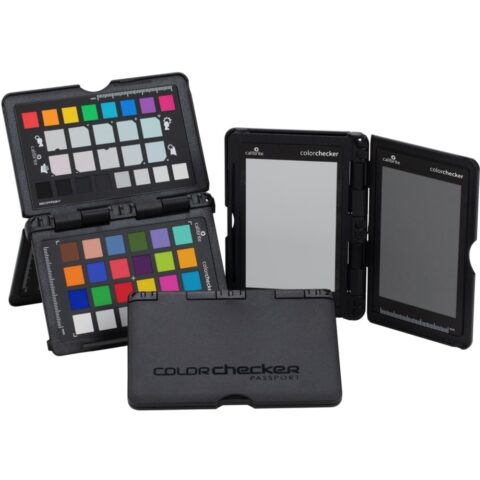 Calibrite
Calibrite ColorChecker Passport Photo 2
$221.95 incl. GST Ships in 2-3 weeksAdd to cart -
 Calibrite
Calibrite ColorChecker Classic
$180.95 incl. GST Ships in 2-3 weeksAdd to cart -
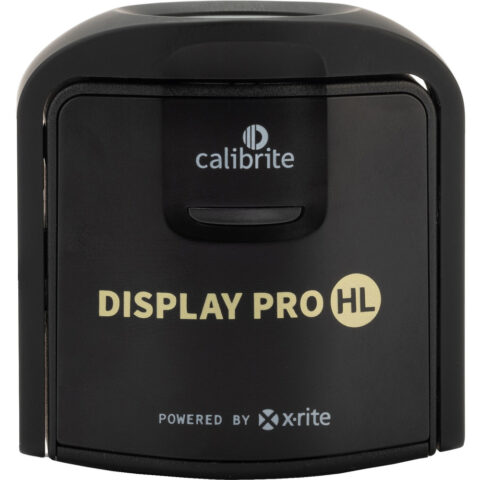 Calibrite
Calibrite Display Pro HL Colourimeter
$483.95 incl. GST Ships in 2-3 weeksAdd to cart -
 Datacolor
Datacolor Spyder Essential Colorimeter
$279.95 incl. GST Ships in 8-10 weeksAdd to cart -
 Datacolor
Datacolor SpyderPro Advanced Colorimeter
$444.95 incl. GST Ships in 8-10 weeksAdd to cart -
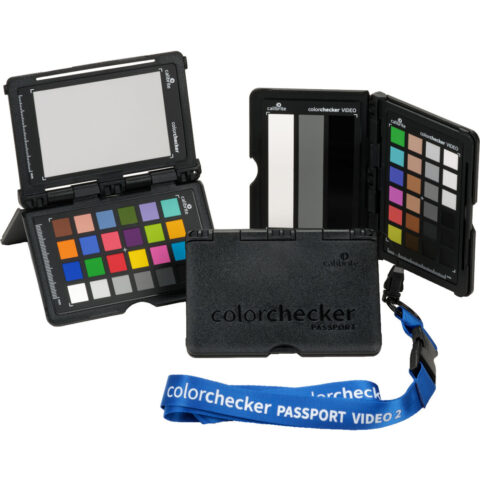 Calibrite
Calibrite ColorChecker Passport Video 2
$279.95 incl. GST Ships in 2-3 weeksAdd to cart -
 Calibrite
Calibrite Display 123 Colorimeter
$255.95 incl. GST Ships in 2-3 business daysAdd to cart -
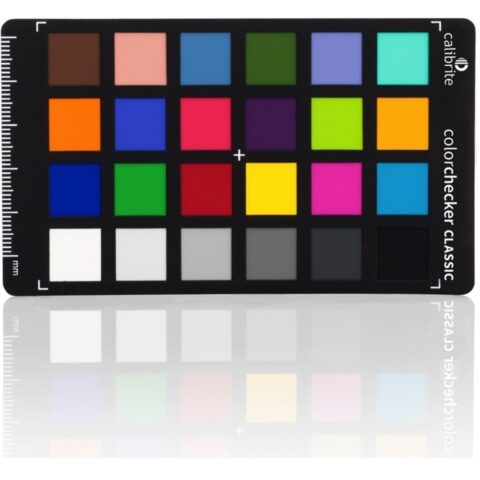 Calibrite
Calibrite ColorChecker Classic Mini
$143.95 incl. GST Ships in 2-3 weeksAdd to cart -
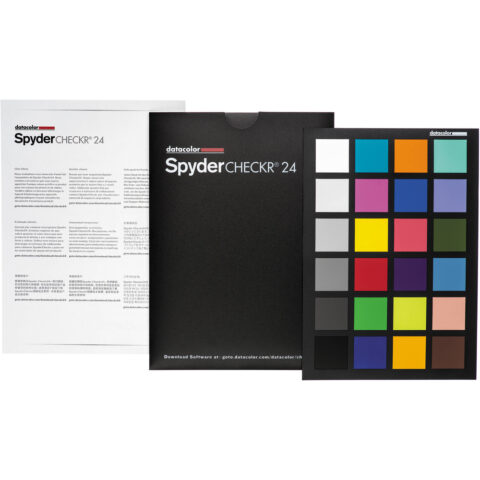 Datacolor
Datacolor SpyderCHECKR 24
$104.95 incl. GST Ships in 8-10 weeksAdd to cart -
 Datacolor
Datacolor ColorReader EZ Color Matching Tool
$143.95 incl. GST Ships in 8-10 weeksAdd to cart -
 Calibrite
Calibrite Display Plus HL Colourimeter
$576.95 incl. GST Ships in 2-3 weeksAdd to cart -
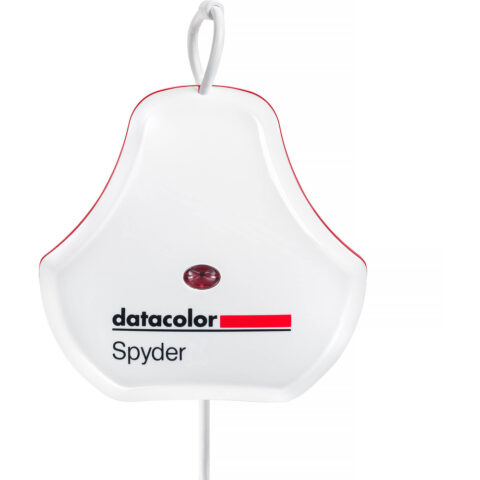 Datacolor
Datacolor SpyderExpress Colorimeter
$217.95 incl. GST Ships in 8-10 weeksAdd to cart -
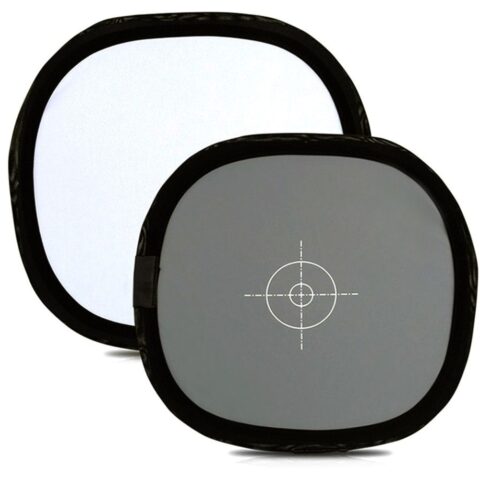 Xlite
XliteXlite 30cm Grey/White Calibration Card
$28.95 incl. GST Ships in 1-2 business daysAdd to cart -
 Calibrite
Calibrite ColorChecker GreyScale
$162.95 incl. GST Ships in 2-3 business daysAdd to cart -
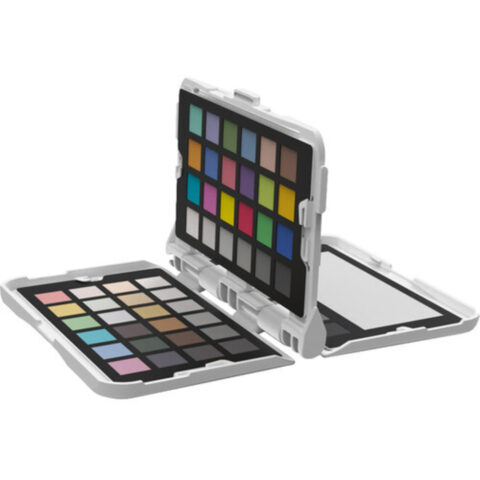 Datacolor
Datacolor Spyder Checkr Photo Colour Chart
$172.95 incl. GST Ships in 8-10 weeksAdd to cart -
 Datacolor
Datacolor SCV310 Spyder Checkr Video Colour Chart
$231.95 incl. GST Ships in 8-10 weeksAdd to cart -
 MediaLight
MediaLight Ideal-Lume Mk2 v2 Desk Lamp
$182.95 incl. GST Ships in 8-12 weeksAdd to cart
Related categories
Computer Monitor Accessories brands
About the Computer Monitor Accessories range
Choose a monitor calibrator by matching its software, display support and controls to your workflow. A colourimeter measures the screen and software creates an ICC profile for your computer. Check whether you need basic guided calibration or more control over brightness, white point, gamma and colour targets such as sRGB, Adobe RGB or DCI-P3. Ambient-light measurement can help when your room lighting changes. For photo and print work, prioritise repeatable brightness and white balance. For video, check support for your display type and intended colour space.
This range includes monitor calibration devices and computer monitor accessories, but not every item is a monitor calibrator. Confirm the product type before ordering. Check your computer's operating system, available USB connection and the manufacturer's software requirements. A colourimeter must sit flat against the display, so very thick screens, curved panels, privacy filters, hoods or unusual bezels can affect placement. Reset the monitor before calibration, use its native resolution and allow the display to warm up. Recalibrate periodically as screen output and room conditions change.
Computer Monitor Accessories questions
Do I need a colourimeter to calibrate my monitor?
A colourimeter provides a measured calibration and is more consistent than adjusting colour by eye. The device reads test colours displayed on the screen, then compatible software creates an ICC profile. This is useful for photography, video, design and print workflows where colour matching matters.
Will a monitor calibrator work with my Mac or Windows computer?
Compatibility depends on the specific model and its supplied software. Check the product page for supported operating systems, connection requirements and software details before ordering. The monitor itself also needs to allow the colourimeter to sit correctly on the screen during measurement.
How often should I calibrate my computer monitor?
Recalibration intervals depend on the display, working conditions and how colour-critical your work is. Regular checks are sensible because screen output can change over time. Keep room lighting consistent, avoid changing monitor settings between sessions and follow the software's calibration reminders where available.