USB & Data Cables
54 products from 9 brands, including Kondor Blue, RODE, Tether Tools. Prices from $22.95 to $308.95, including GST. 14 ship within 1-2 business days.
USB & Data Cables connect computers, cameras, storage, audio equipment and network devices for charging, file transfer, recording and wired networking. Choose from USB Cables and Network Cables for studio, production, office and home setups, with options from Kondor Blue, SmallRig, Tether Tools and OBSBOT.
Showing 1 to 24 of 54 results
-
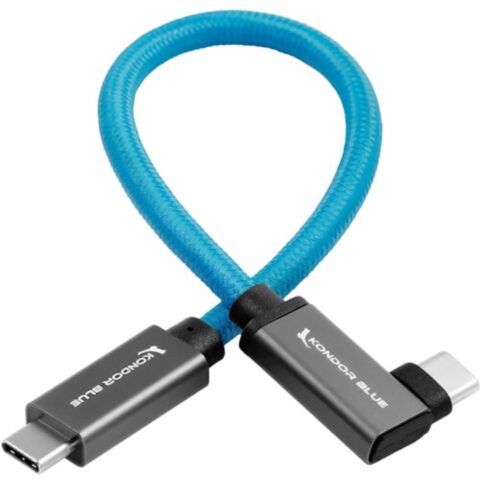 Kondor Blue
Kondor Blue USB C to USB C High Speed Cable for SSD Recording (Right Angle, 21.5cm)
$40.95 incl. GST Ships in 1-2 business daysAdd to cart -
 Kondor Blue
Kondor Blue 30 to 60cm Coiled USB-C Right Angle Braided Cable (Black)
$51.95 incl. GST Ships in 1-2 business daysAdd to cart -
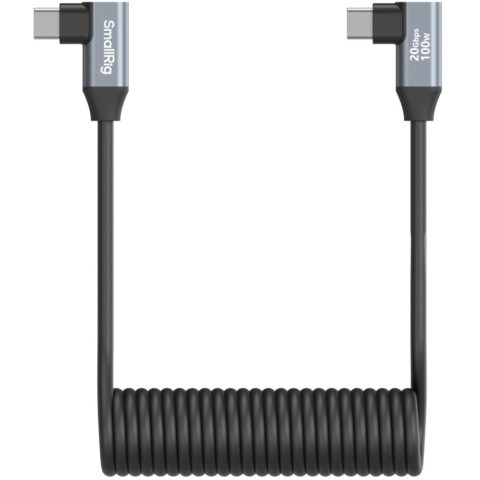 SmallRig
SmallRig 4793 Angled USB-C to Angled USB-C Coiled Data Cable (35cm)
$25.95 incl. GST Ships in 1-2 business daysAdd to cart -
 Kondor Blue
Kondor Blue USB C to USB C High Speed Cable for SSD Recording (Right Angle, 30cm)
$40.95 incl. GST Ships in 1-2 business daysAdd to cart -
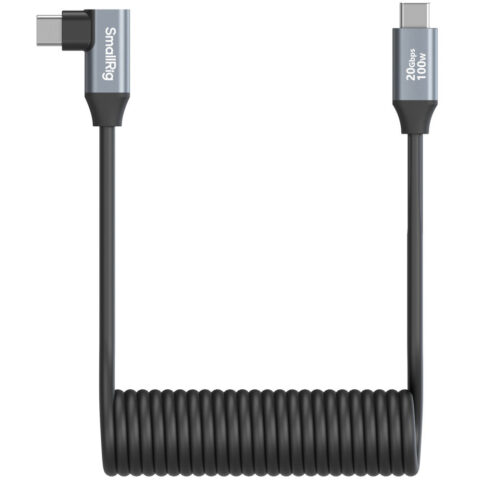 SmallRig
SmallRig 4792 Straight USB-C to Angled USB-C Coiled Data Cable (35cm)
$29.95 incl. GST Ships in 4-6 weeksAdd to cart -
 Kondor Blue
Kondor Blue Right-Angle USB-C 3.1 Gen 2 Cable (13cm)
$35.95 incl. GST Ships in 1-2 business daysAdd to cart -
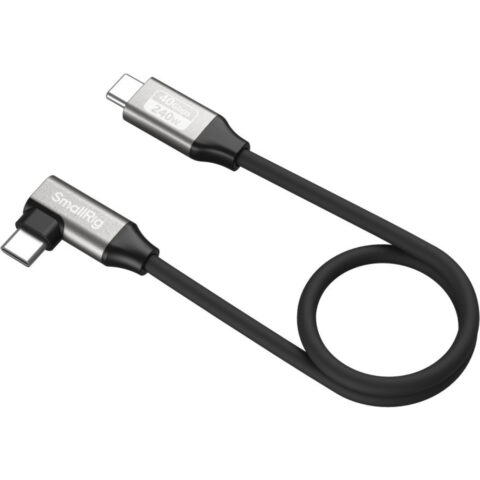 SmallRig
SmallRig 5075 USB-C Straight to USB-C Angled Data Cable (35cm)
$24.95 incl. GST Ships in 4-6 weeksAdd to cart -
 OBSBOT
OBSBOT USB-A to USB-C Cable for Tiny & Meet Series (5m)
$55.95 incl. GST Ships in 1-2 business daysAdd to cart -
 Kondor Blue
Kondor Blue Dual Right-Angle USB-C Cable (45cm)
$42.95 incl. GST Ships in 4-6 weeksAdd to cart -
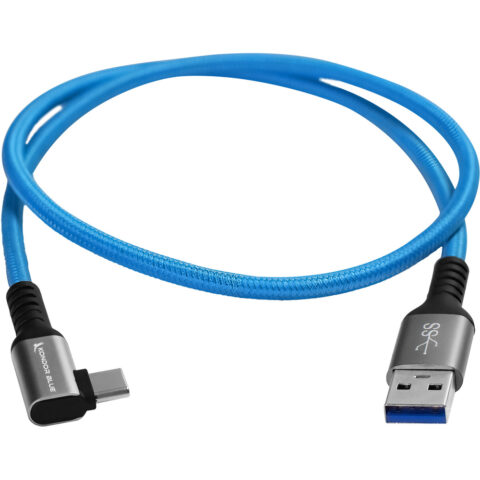 Kondor Blue
Kondor Blue USB-A to USB-C 3.0 Right Angle Cable (0.6m)
$27.95 incl. GST Ships in 1-2 business daysAdd to cart -
 Kondor Blue
Kondor Blue Right-Angle USB-C 3.1 Gen 2 Cable (20cm, Raven Black)
$38.95 incl. GST Ships in 1-2 business daysAdd to cart -
 Kondor Blue
Kondor Blue Right-Angle USB-C 3.1 Gen 2 Cable (30cm, Raven Black)
$38.95 incl. GST Ships in 1-2 weeksAdd to cart -
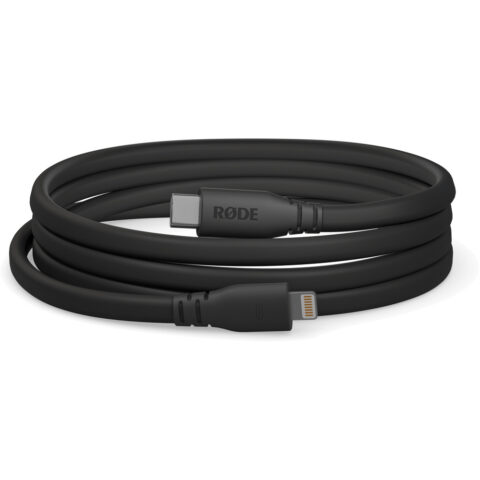 RODE
RODERODE SC19 USB-C to Lightning Cable (1.5m, Black)
$37.95 incl. GST Ships in 3-5 business daysAdd to cart -
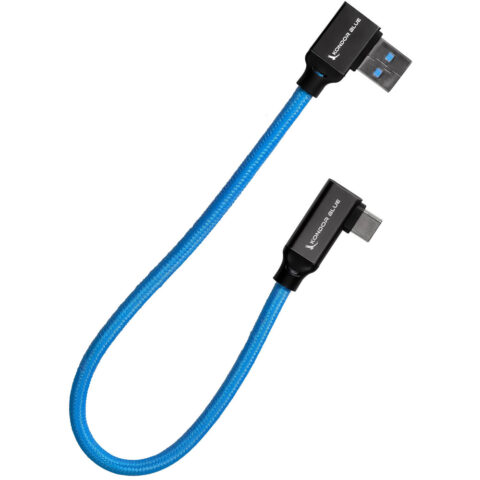 Kondor Blue
Kondor Blue 30cm USB-C to USB-A Right Angle Cable (Blue)
$38.95 incl. GST Ships in 1-2 business daysAdd to cart -
 Kondor Blue
Kondor Blue USB-C to USB-C High Speed Cable for SSD Recording (21.5cm)
$38.95 incl. GST Ships in 1-2 weeksAdd to cart -
 Blackmagic
Blackmagic Design USB Cable Set for PYXIS Monitor
$79.95 incl. GST Ships in 2-3 business daysAdd to cart -
 RODE
RODERode SC16 300mm USB-C To USB-C Cable
$30.95 incl. GST Ships in 3-5 business daysAdd to cart -
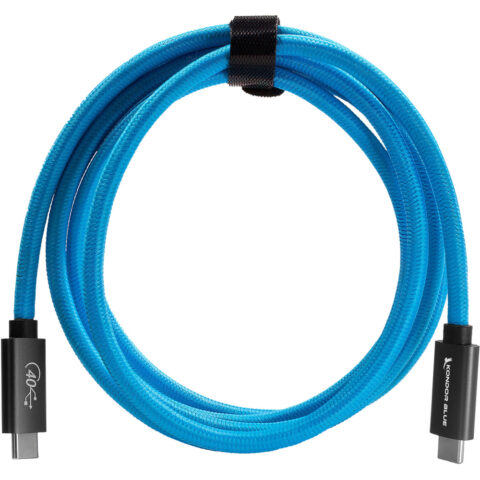 Kondor Blue
Kondor Blue Thunderbolt 4 USB-C Cable (1.8m)
$133.95 incl. GST Ships in 1-2 weeksAdd to cart -
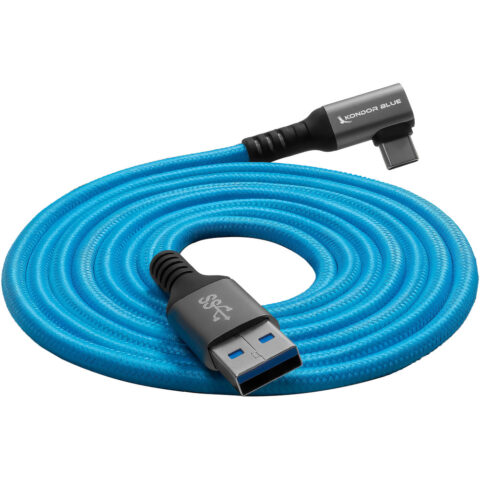 Kondor Blue
Kondor Blue USB-A to USB-C 3.0 Right Angle Cable (3m)
$35.95 incl. GST Ships in 1-2 weeksAdd to cart -
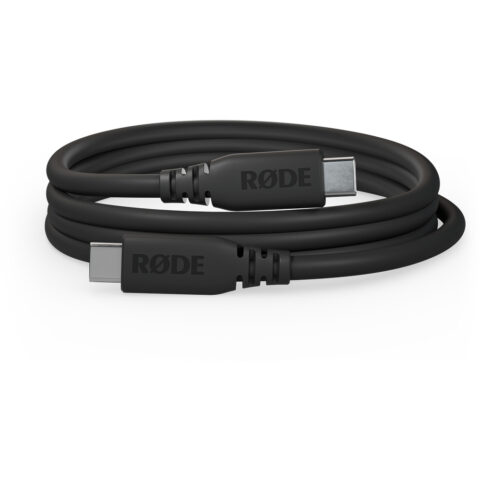 RODE
RODERODE SC27 SuperSpeed USB-C to USB-C Cable (2m, Black)
$37.95 incl. GST Ships in 3-5 business daysAdd to cart -
 SmallRig
SmallRig 5076 USB-C Straight to USB-C Angled Data Cable (60cm)
$26.95 incl. GST Ships in 4-6 weeksAdd to cart -
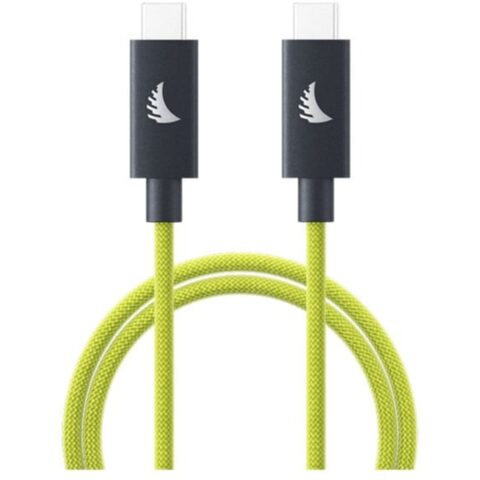 Angelbird
Angelbird USB-C 4.0 Solid Flex Cable (32cm, Lime)
$49.95 incl. GST Ships in 2-3 business daysAdd to cart -
 Kondor Blue
Kondor Blue Thunderbolt 4 USB-C Cable (0.9m)
$85.95 incl. GST Ships in 4-6 weeksAdd to cart -
 RODE
RODERODE SC27 SuperSpeed USB-C to USB-C Cable (2m, Purple)
$46.95 incl. GST Ships in 3-5 business daysAdd to cart
Related categories
USB & Data Cables brands
About the USB & Data Cables range
Choose the connector at each end first, such as USB-C to USB-C or USB-A to USB-C. Then check the cable's data standard, because USB-C describes the connector, not the transfer speed. USB 2.0 suits basic syncing, while USB 3.1 Gen 2 or higher is more suitable for large photo and video files or SSD recording. Compare cable length, right-angle connectors, coiled construction and braiding for your setup. If charging matters, confirm the cable's supported power rating and ensure it matches your charger and device.
The range is organised into USB Cables, USB & Data Cables and Network Cables. Match the cable to the ports on both devices, and do not assume a USB-C cable supports high-speed data, video or charging at the required rate. Short and right-angle cables can reduce strain around cameras, cages and SSDs, while coiled cables help manage slack. For Ethernet, check the cable category, length and equipment requirements. Also confirm whether a listed cable is intended for a specific product series, such as OBSBOT Tiny or Meet devices.
USB & Data Cables questions
Are all USB-C cables the same?
No. USB-C identifies the connector shape, not the cable's data speed, charging capacity or video support. Check the product specifications for the USB standard and intended use. A cable made mainly for charging may be unsuitable for fast file transfers or SSD recording.
What USB cable do I need for an external SSD?
Choose a USB-C cable that explicitly supports high-speed data transfer and matches the ports on the SSD and host device. Check the specified USB generation, connector orientation and length. USB 2.0 cables can work for basic connections but are slower for large files.
Does a longer USB cable reduce performance?
Cable length can affect signal reliability and practical performance, particularly at higher data speeds. Use a length that reaches without unnecessary slack, and check the product specifications for its intended application. Shorter cables are often useful for camera rigs and portable SSD setups.