Lighting
2 products from 2 brands, including Godox, Ulanzi. Prices from $124.95 to $236.95, including GST.
This Lighting range is for live streaming and video calls, where a small, even light on your face makes more difference than a new camera. We stock the Godox ES45 E-Sport LED light kit for desk setups and the Ulanzi VL360 RGB LED light for colour accents and fill. Both suit streamers, gamers, podcasters and people presenting from a home office.
Showing all 2 results
-
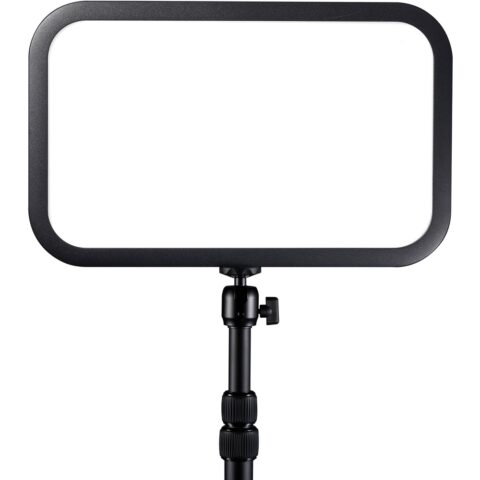 Godox
GodoxGodox ES45 E-Sport LED Light Kit
$236.95 incl. GST Ships in 3-5 business daysAdd to cart -
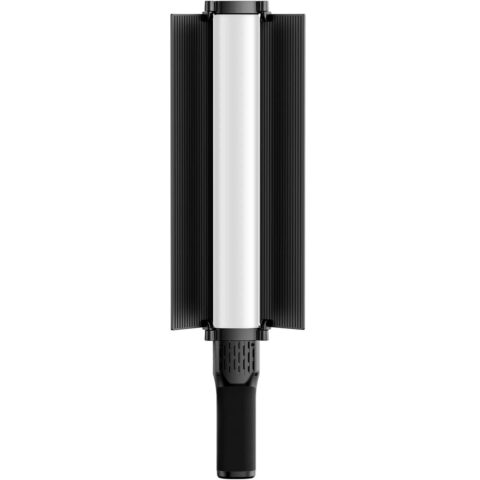 Ulanzi
Ulanzi VL360 RGB Led Light
$124.95 incl. GST Ships in 6-8 weeksAdd to cart
Buying guides for this range
Related categories
Lighting brands
About the Lighting range
For a streaming desk, look first at colour temperature adjustment, so you can match daylight from a window or warmer room lights, and at CRI or TLCI figures, which indicate how naturally skin tones render. Brightness should dim in fine steps, because a light that is too strong at close range flattens the face. RGB lights add coloured accents on walls or shelves behind you. Check the power source, whether mains, USB or internal battery, and how the light mounts: desk clamp, stand or a 1/4-20 thread.
The most common mistake is placing a single light straight in front of the camera, which gives flat, shiny skin and glare on glasses. Move the key light 30 to 45 degrees to one side and slightly above eye level, then use a second light or the room light to soften shadows. Set the camera's white balance manually to match the light rather than leaving it on auto, which can shift during a stream. Keep lights from reflecting in screens or monitors that appear behind you.
Lighting questions
How many lights do I need for streaming?
One well-placed key light is enough to start. A second light for fill or a background accent adds depth, and an RGB light can colour the wall behind you. Add lights one at a time and check the result on camera as you go.
Why do I get glare on my glasses when streaming?
Glare comes from a light reflecting straight back into the lens. Raise the light higher and move it further to the side, or tilt your glasses slightly. A larger, softer light source at lower brightness also reduces hard reflections.
What does CRI mean on an LED light?
CRI, the colour rendering index, measures how accurately a light shows colours compared with a reference source, on a scale up to 100. Higher figures, generally 95 and above for video, give more natural skin tones and need less colour correction afterwards.