3.5" SATA Hard Drives
6 products from 2 brands, including Western Digital, Synology. Prices from $337.95 to $871.95, including GST. 1 ship within 1-2 business days.
Shop 3.5-inch SATA hard drives for desktop computers, network-attached storage and surveillance recorders. Choose from Western Digital and Synology models for everyday files, NAS storage, backups or continuous CCTV recording. Check the intended workload, capacity and host-device requirements before ordering.
Showing all 6 results
-
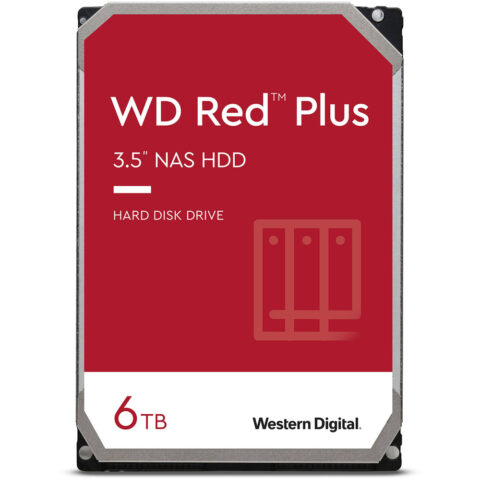 Western Digital
Western Digital 6TB WD60EFPX Red Plus SATA III 3.5" Internal NAS HDD
$686.95 incl. GST Ships in 1-2 weeksAdd to cart -
 Western Digital
Western Digital 2TB Purple Surveillance Hard Drive
$337.95 incl. GST Ships in 1-2 weeksAdd to cart -
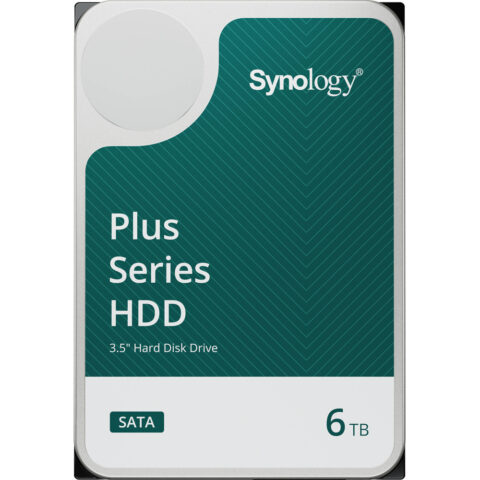 Synology
Synology 6TB HAT3300 Plus 5400 rpm SATA III 3.5" Internal NAS HDD
$667.95 incl. GST Ships in 1-2 business daysAdd to cart -
 Western Digital
Western Digital Blue 4TB SATA 3.5" 5400RPM 256MB HDD
$395.95 incl. GST On backorder, dispatch date to be confirmedAdd to cart -
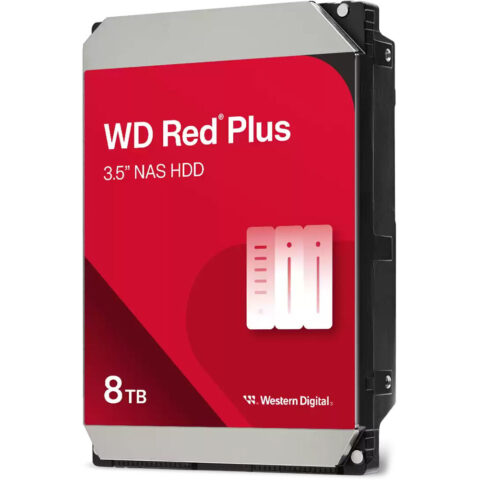 Western Digital
Western Digital 8TB Red Plus 5640 rpm SATA III 3.5" Internal NAS HDD
$871.95 incl. GST Ships in 1-2 weeksAdd to cart -
 Western Digital
Western Digital 2TB Caviar Black 3.5" SATA Internal Hard Drive
$337.95 incl. GST Ships in 3-5 business daysAdd to cart
3.5" SATA Hard Drives brands
About the 3.5" SATA Hard Drives range
Compare capacity, rotational speed, cache and recording technology. Capacity determines how much data, backup history or video footage you can store. A 5400 rpm drive generally suits lower-power storage and many NAS systems, while faster drives can improve transfer performance but may produce more heat or noise. Cache can assist with bursts of activity, but it does not replace choosing the right workload rating. Look for desktop models for everyday single-computer use, NAS models for multi-drive, always-on storage, and surveillance models for continuous video recording.
Confirm that your computer, NAS or recorder accepts a 3.5-inch SATA drive and supports the chosen capacity. You need an available SATA data connection, compatible power connection and suitable mounting space. A 2.5-inch laptop bay is not the same size, and an external USB drive is not an internal SATA drive. For NAS or CCTV use, check the manufacturer's compatibility list, bay count, RAID requirements, supported capacity and recording workload. This category is organised around 3.5-inch SATA internal drives, including desktop, NAS and surveillance models.
3.5" SATA Hard Drives questions
Will a 3.5-inch SATA hard drive work in my desktop PC?
Usually, if the computer has an available 3.5-inch drive bay, SATA data port and suitable power connector. Check the case dimensions and motherboard connections before ordering. Some compact desktops use 2.5-inch bays or proprietary mounting hardware, so confirm the exact model's specifications first.
What is the difference between a NAS hard drive and a desktop hard drive?
A NAS hard drive is designed for storage systems that may run continuously and contain multiple drives. It is suited to shared files, backups and RAID environments. A desktop drive is intended for general use in a single computer and may not be rated for the same workload or operating conditions.
Can I use a surveillance hard drive in a CCTV recorder or NAS?
Surveillance drives are designed for continuous video recording in compatible DVR and NVR systems. Check the recorder's supported drive capacity, interface, channel requirements and compatibility list. A NAS drive may suit some surveillance NAS setups, but the intended workload and host-device support should be confirmed before purchase.