Camera Cables
9 products from 4 brands, including Kondor Blue, Portkeys, Tilta. Prices from $33.95 to $124.95, including GST. 2 ship within 1-2 business days.
Camera Cables connect cameras to batteries, monitors, transmitters, controllers and other production equipment. This range suits photographers, filmmakers, camera operators and content creators who need power, video signal or remote control connections. Choose from Kondor Blue, Tilta, Portkeys and SmallRig cables for selected camera and accessory setups.
Showing all 9 results
-
 SmallRig
SmallRig 4761 D-TAP to BMPCC 4K/6K Power Cable
$33.95 incl. GST Ships in 4-6 weeksAdd to cart -
 Kondor Blue
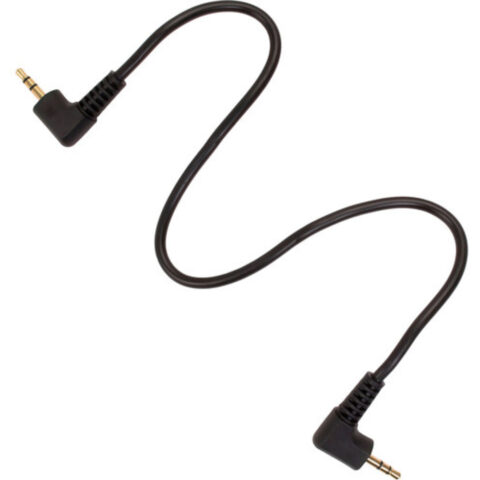
Kondor Blue 2.5mm to 2.5mm LANC Remote Trigger Shutter Cable
$40.95 incl. GST Ships in 1-2 weeksAdd to cart -
 Tilta
TiltaTilta USB-C Run/Stop Cable for USB-C Port
$58.95 incl. GST Ships in 6-8 weeksAdd to cart -
 Kondor Blue
Kondor Blue 12G-SDI Cable for 4K60 Camera Monitors and Transmitters (Cardinal Red, 0.5m)
$124.95 incl. GST Ships in 1-2 business daysAdd to cart -
 Tilta
TiltaTilta USB-C Run/Stop Cable for Panasonic GH/S Series
$58.95 incl. GST Ships in 6-8 weeksAdd to cart -
 Portkeys
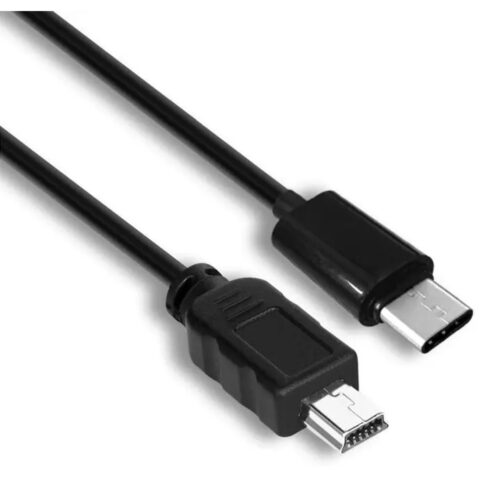
Portkeys USB-C Control Cable 40cm
$36.95 incl. GST Ships in 6-8 weeksAdd to cart -
 Portkeys
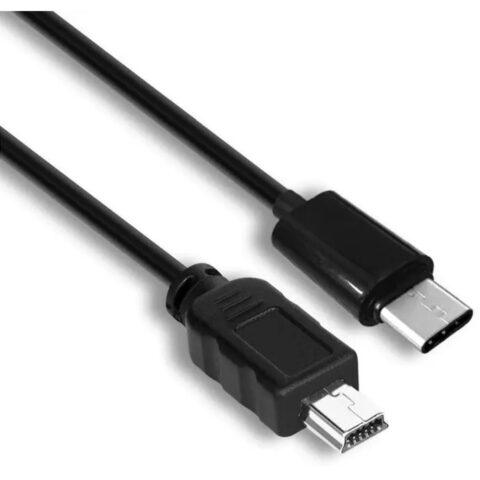
Portkeys USB-C Control Cable 80cm
$36.95 incl. GST Ships in 6-8 weeksAdd to cart -
 Kondor Blue
Kondor Blue 12G-SDI Cable for 4K60 Camera Monitors and Transmitters (Black, 0.5m)
$124.95 incl. GST Ships in 1-2 business daysAdd to cart -
 Kondor Blue
Kondor Blue D-Tap to 2-Pin LEMO Braided Cable for RED KOMODO (10")
$86.95 incl. GST Ships in 1-2 weeksAdd to cart
Related categories
Camera Cables brands
About the Camera Cables range
Start with the connection type at each end, such as D-TAP to a camera power input, USB-C for control, 2.5mm LANC for remote triggering, or BNC for SDI video. Check the required signal or function, not just the plug shape. A 12G-SDI cable is intended for high-bandwidth video workflows, including 4K60 setups, while a control cable carries run/stop or camera commands. Confirm the cable length suits your rig. A short cable helps reduce slack on a camera cage, but a longer cable may be needed between a camera and monitor.
Compatibility is the main trap with camera cables. USB-C does not automatically mean every camera supports run/stop control, charging or video over that connection. Check your camera manual and the product specifications for the exact model, port and function. For D-TAP cables, confirm the battery or plate has a D-TAP output and that the camera end matches its power input. For SDI, check that both devices use compatible BNC connections and that the cable length fits your signal path. This range is organised by connection and intended use, rather than by camera brand alone.
Camera Cables questions
How do I choose the right camera cable?
Match both connectors, the cable function and the supported camera model. Then check the required signal type, power input, control protocol and length. A cable with the correct-looking plug may still be unsuitable if the camera does not support that function through the port.
Can I use any USB-C cable for camera run/stop control?
No. USB-C describes the connector, not the control function. Run/stop compatibility depends on the camera, the connected device and the cable wiring. Check the product listing and your camera documentation before buying, particularly when comparing general USB-C cables with dedicated control cables.
What should I check before buying a D-TAP camera power cable?
Confirm that your battery or battery plate provides a D-TAP output, then match the camera-side connector and voltage requirements. Some cables are made for specific camera power inputs, such as the BMPCC 4K or 6K connection. Do not rely on the D-TAP plug alone.